
Introduction
Admittedly, a lot of what I see today on Instagram is mediocre. It’s overflowing repeated jokes and memes that become copies of copies of copies. How original. BUT, every now and again, I find myself getting recommended a series of delicious-looking recipes that inspires me to try something new in the kitchen. In many ways, short-form content platforms like Instagram or TikTok are the perfect platforms to showcase food. With a crisp edit, the viewer can go from seeing the raw ingredients neatly arranged mis en place style to the results in 30 seconds or less.
As the video ends and your mouth is watering, here’s where it gets tricky. It’s common practice for creators to post the recipe in the video’s description. Fine. Alternatively, many creators will pin their first comment containing the recipe. However, any URL posted in either the description or in a comment does not function as a hyperlink. I see it in virtually every food reel. Other users will beg for functioning link to the recipe, but it’s not possible.
The other night, after I’d saved the second or third recipe, dreading how I’d have to eventually hand write them, the thought occurred to me that accoca has a built-in OCR text reader feature to solve this dilemma. Combine a text-converted recipe screenshot with our monoca 2 for Cooking Recipes setup and we’re ready to start curating a delicious digital cookbook. Let’s get into it!
Previous Articles
In past articles, we’ve looked at how monoca 2 can be used for everyday life, tracking grocery prices, and even organizing minis for tabletop gaming. Each of those examples showed how the app’s customizable categories and fields make it flexible for any kind of collection.
Using monoca 2 in Everyday Life
Where to Download
The fully unlocked version of monoca 2 comes with unlimited item creation, 10 shared groups, no ads, and higher resolution icons and images, is available for a single, lifetime unlock payment of $9.99. Share your device’s trial code with a friend to give them a 25% discount. Share each other’s codes and you can both receive a discount.
App Store: Download for iPhone/iPad
Google Play: Download for Android
Web(Beta): https://monoca2.web.app/.
Capturing a Recipe in accoca
The OCR text detection feature is only available in the paid version of accoca. In several previous articles we’ve detailed why accoca is a great value at the $9.99 lifetime unlock fee. We’ll skip those details today, but considering many password vault services charge users $9.99 every month, accoca’s lifetime unlock price is more than fair.
Our first step in building a digital cookbook from short-form videos is to find some cooking content. If your algorithm isn’t tuned for food, a few internet searches for Instagram or TikTok cooking videos should fix that. After watching a handful, your account’s algorithm should adjust, and you’ll get more cooking content with each engagement.
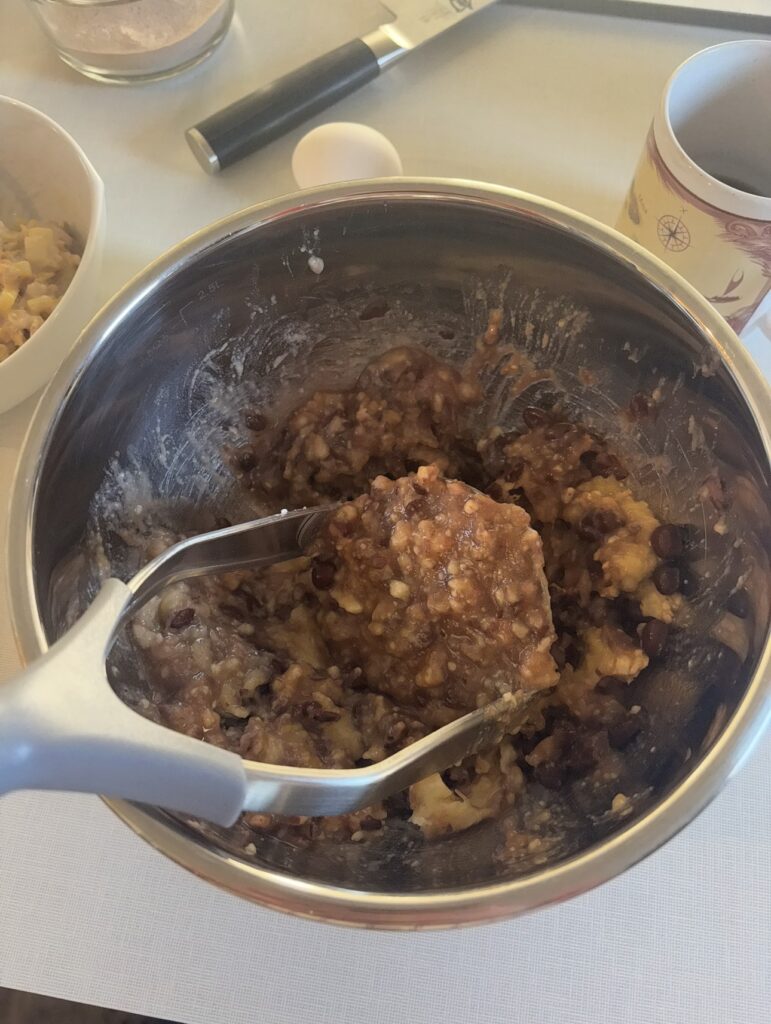
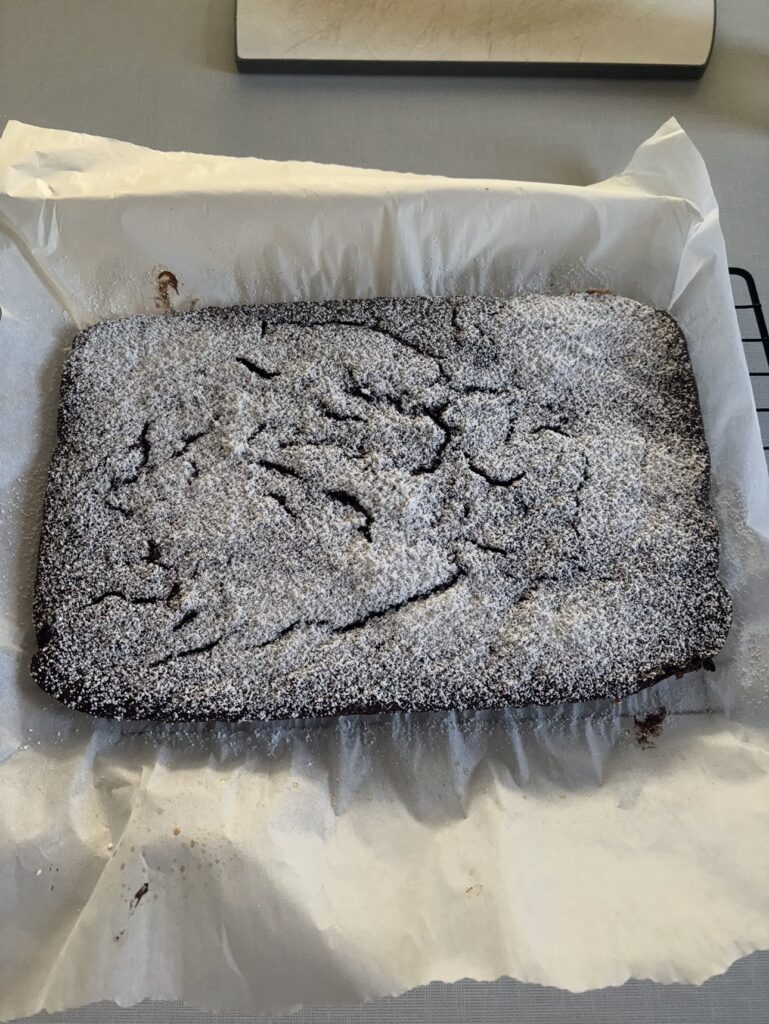
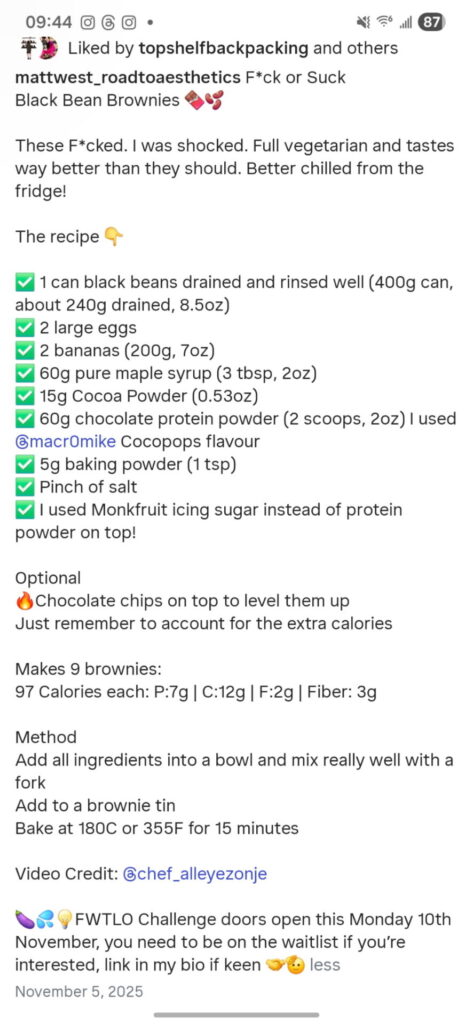
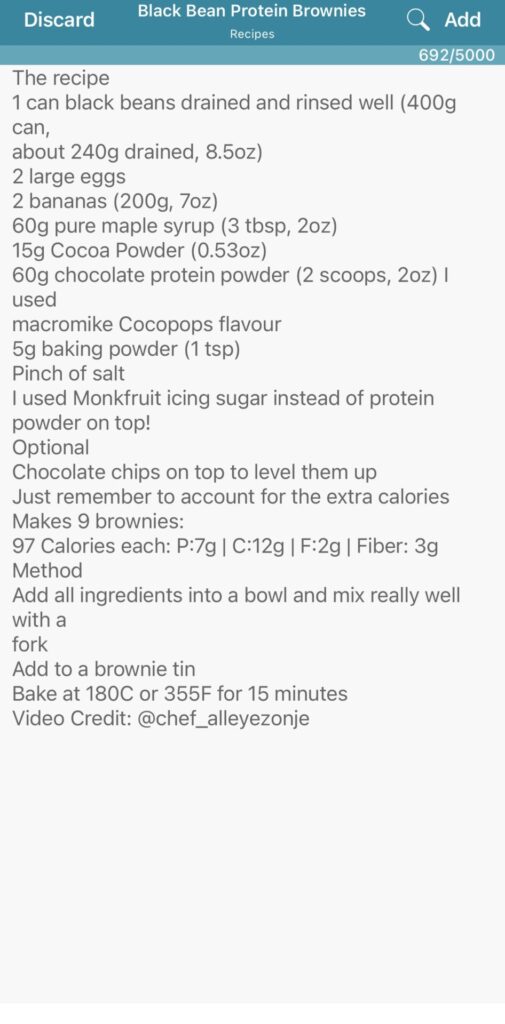
After finding the recipe you want converted to text, pull up the description and take a screen capture of the ingredients and cooking instructions. In my sample below, this was a recipe for black bean chocolate protein brownies. I did make this recipe (photos below) and admit it was good, but in my opinion, it did not taste like a brownie. In the flavor it was obvious the base of the ‘brownie’ consisted of black beans and banana. If you’re someone watching their sugar intake, however, I’d recommend giving them a try. They can somewhat satisfy a sweetness craving.
Converting to Text
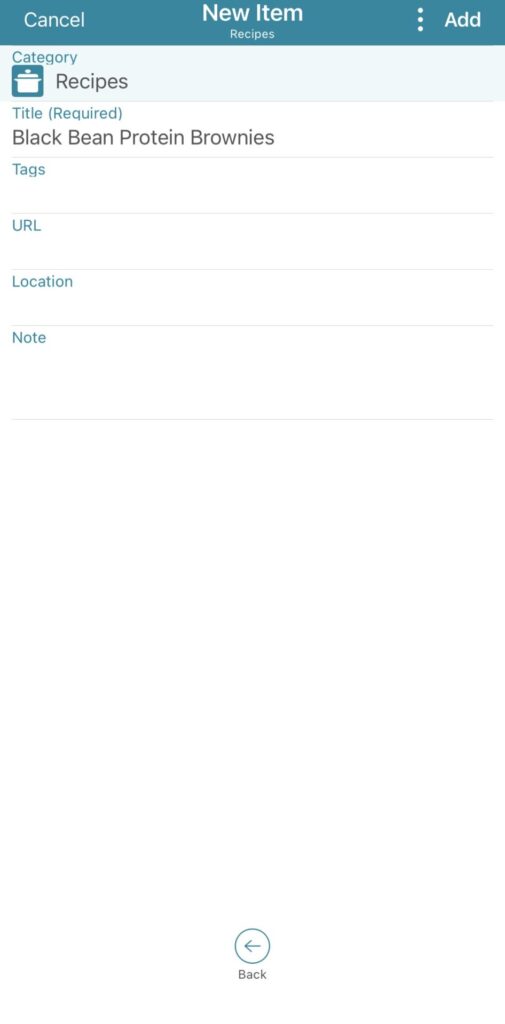
In preparation for text-converting several recipes, I created a new ‘Recipes’ category in accoca. Just like in monoca 2, each category is totally customizable to fit the user’s needs. Category settings are included or excluded with the flick of a toggle switch. I chose to add Tags, URL, Location, and Note. The Title field is a required field. It’s worth mentioning that the OCR text detection is buried under the Note field, so let’s focus there next.
In this category sample I wanted to keep everything bare bones. Tags are useful if needing to perform a broad search in the future. While hyperlinks don’t work in comments or posted in video descriptions, the URL of an individual reel is simple enough to copy/paste. Feel free to track those in the URL field.
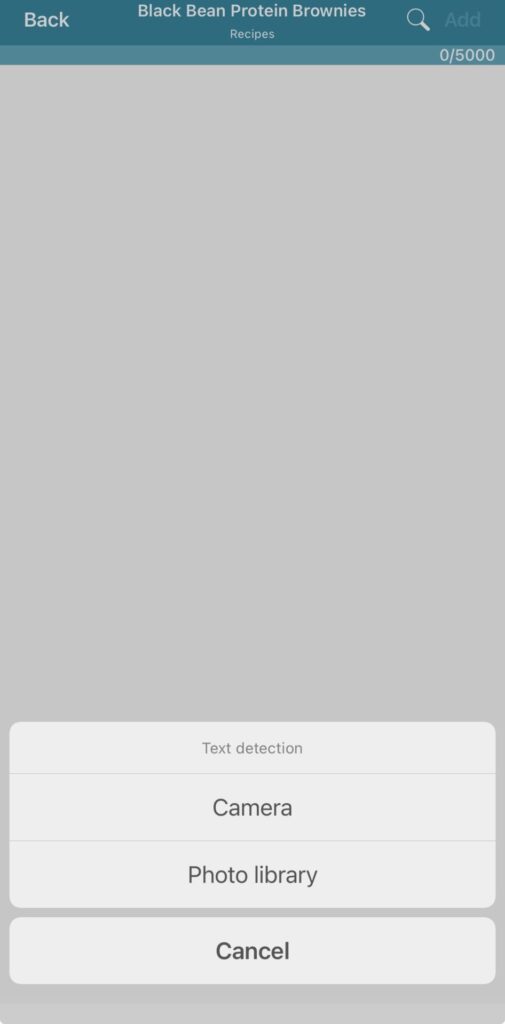
After filling in the other details, tap the Note field, Text detection, then select Photo library and search out the screen capture you took earlier with the ingredients and cooking instructions. The scan field can even be modified so only the desired text is captured. When done, your screen should look like the third image below. All that’s left is nice, clean text.
Porting to monoca 2
Once the recipe is in text format, the sky is the limit of where it can be posted, reposted, or permanently housed. I referenced an article waayyy back from December of 2024 about using Sola’s monoca 2 for storing cooking recipes. I STILL use that organization structure to this day. Recipes we cook often at home I generally have a good sense of when to add what ingredient and how long to cook it, but the quantities are tough to remember. It’s important to get the right spices and the correct proportions or the whole dish can be ruined.
If we’re using social media video links within monoca 2, there’s a field already reserved just for that in the previous article. It’s convenient to get a refresh on the cooking difficulty or final look of the dish with just a tap. Using this OCR conversion method, I can only imagine the countless internet recipes waiting to be conquered.
Conclusion
Sometimes an object or an idea’s intended purpose is not it’s only purpose. While accoca’s intention as an application is to securely generate, store, and recall usernames, passwords, and other sensitive information, there are other uses. Sometimes one small feature or detail can be totally transformational—and it’s awesome!
Well… I’m off to doom scroll more food videos on Instagram, and you should be too. With accoca and removing the stress of having to physically write down a recipe from a video description, there’s no excuse!
As always, please drop a comment below for any feedback or suggestions on future article content. We’ll catch you on the next one!
Where to Download
The fully unlocked version of monoca 2 comes with unlimited item creation, 10 shared groups, no ads, and higher resolution icons and images, is available for a single, lifetime unlock payment of $9.99. Share your device’s trial code with a friend to give them a 25% discount. Share each other’s codes and you can both receive a discount.
App Store: Download for iPhone/iPad
Google Play: Download for Android
Web(Beta): https://monoca2.web.app/
Leave a Reply